
If your organisation runs hundreds or thousands of Lambda functions, you already know the pain of shared components. Every function needs the approved SDK version, the corporate CA certificates, the security agent and the monitoring extension. Until now, changing any of those meant redeploying every function that used them. On 18 November 2026, AWS announced Lambda customer-managed runtimes, generally available in all commercial AWS Regions, to remove that redeployment treadmill.
This guide explains what Lambda customer-managed runtimes are, how the runtime, version and alias model works, how to roll out and roll back updates safely, and what platform teams should think about before adopting them.
What Are Lambda Customer-Managed Runtimes?
Customer-managed runtimes are a standalone Lambda resource type that decouples runtime management from function deployment. A platform team (the runtime publisher) packages the language runtime plus any shared components as an OCI container image in Amazon ECR. Application teams (the runtime consumers) reference that runtime in their function configuration, exactly as they would reference a Lambda-managed runtime such as python3.14, and keep deploying their code as .zip files.
The key difference from layers is the update model. As the AWS Compute Blog launch post explains, layers follow a pull model: when you update a layer, you must redeploy every function that uses it. With a customer-managed runtime, you update the runtime once and functions pick up the new version at their next cold start, with no per-function redeployment.
Two naming changes arrived with this launch. Lambda functions are now called Lambda Event Functions, and the older custom runtimes feature has been renamed “bring your own language”.
How the Resource Model Works
Customer-managed runtimes use three resources, managed through the new aws lambda-core CLI namespace.
1. Runtime
The top-level resource, for example “PHP 8 for our organisation”. According to the customer-managed runtimes documentation, a runtime name must be 2 to 128 characters, use only lowercase letters, numbers, underscores, periods and hyphens, and be unique in the account and Region. Access is controlled at this level with a resource-based policy.
aws lambda-core create-runtime \
    --name companyphp8 \
    --description "PHP 8 runtime with corporate certs and APM agent" \
    --license-info "MIT"
2. Runtime Version
A version represents the runtime contents at a point in time. Each version is backed by an ECR image and is immutable. To change the runtime, you create a new version. The image contains OS libraries, language support, a bootstrap script and the runtime interface client, and you must grant the Lambda service principal read access to the ECR repository (see Building runtime images).
aws lambda-core create-runtime-version \
    --runtime-name companyphp8 \
    --name v1 \
    --image-uri 111122223333.dkr.ecr.us-east-1.amazonaws.com/companyphp8:v1
3. Runtime Alias
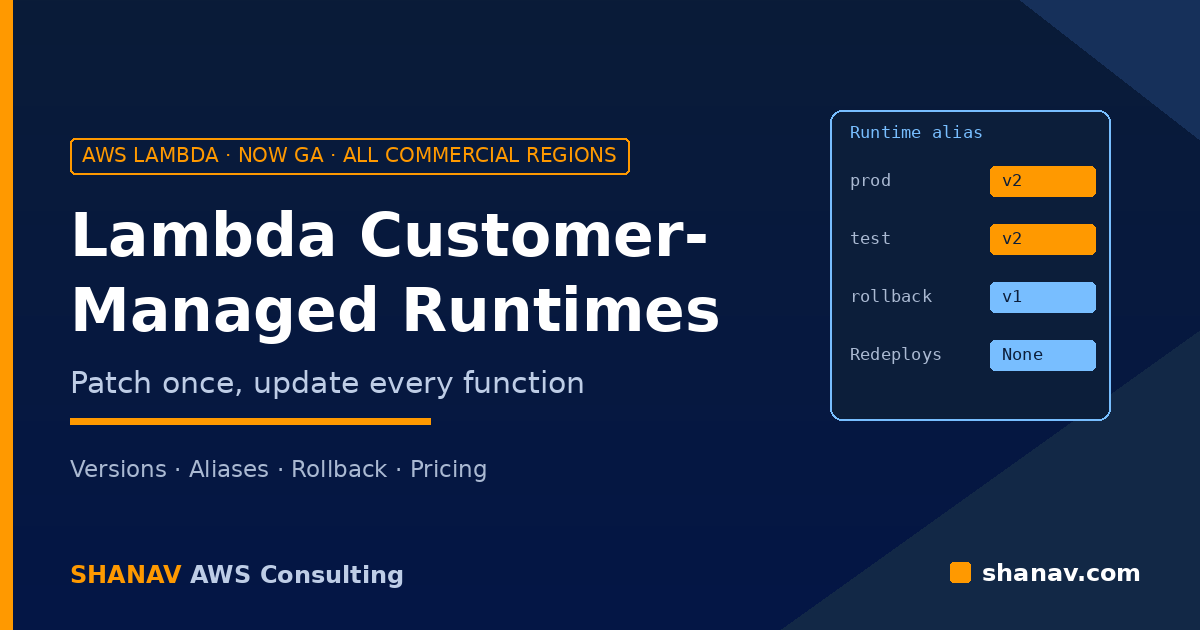
An alias is a named pointer to a version, and functions always consume a runtime through an alias. When you re-point an alias, functions using it in the Auto runtime update mode move to the new version at their next cold start (Runtime aliases documentation). On the consumer side, a function sets its runtime to custom and passes the runtime ARN and alias:
aws lambda create-function \
    --function-name orders-api \
    --runtime custom \
    --runtime-config RuntimeArn=arn:aws:lambda:us-east-1:111122223333:runtime/companyphp8,RuntimeAlias=prod \
    ...
Common alias strategies include one alias per environment (dev, test, prod), per release track (latest, stable) or per semantic version (php8.3, php8.4).
Rolling Out and Rolling Back Updates
Lambda does not patch customer-managed runtimes for you. The publisher owns patching. If you build from a Lambda base image, AWS regularly updates that base image with security patches, so a typical patch cycle looks like this:
- Rebuild your runtime image from the updated base image and push it to ECR.
- Create a new runtime version, for example
v2, from the new image. - Point your dev or test alias at
v2and run your test suite. - Update the production alias with
aws lambda-core update-runtime-alias --runtime-name companyphp8 --name prod --runtime-version v2. - Watch error rates, and roll back by re-pointing the alias to
v1if needed.
For monitoring, Lambda publishes two CloudWatch metrics in the publisher’s account: RuntimeInvocations and RuntimeInvocationErrors, viewable by runtime, version or alias. AWS recommends a CloudWatch alarm on the error rate of each alias and a deployment pipeline that halts when an alarm fires.
Runtimes are Regional. You create the runtime, versions and aliases in every Region you use. AWS suggests keeping names consistent across Regions, using ECR cross-Region replication for images, and updating aliases one Region at a time to limit the impact of a faulty version.
Cross-Account Sharing and Trust
Most real deployments will be cross-account: a central platform account publishes the runtime and workload accounts consume it. Sharing requires both a resource-based policy on the runtime (for accounts, an AWS Organizations organisation or OU, or publicly) and an identity-based policy in the consumer account that grants lambda:AssociateRuntimeAlias. To let consumers pin or roll back to a specific version, they also need lambda:AssociateRuntimeVersion.
Be clear about the trust model. A runtime publisher can push code into the execution environment of every function using the runtime. That is how updates work, but it also means a bad update or a deleted runtime can break consumer functions. AWS suggests using service control policies (SCPs) to allow only runtimes from trusted accounts, and scanning runtime images with your existing container security tooling.
Deletion Guardrails and Lifecycle
Because deleting a runtime can break functions across accounts, Lambda builds in guardrails:
- Deletion is scheduled with a waiting period of 7 to 30 days (30 by default), and you can restore the resource during that window.
- You cannot delete a version while an alias points to it, or a runtime while it has active versions or aliases.
- Functions using a deleted alias or version become
Inactiveand fail on cold start, but recover automatically if you restore it.
You can also set a release lifecycle stage (Preview, GenerallyAvailable or Deprecated) and optionally block new function creation or updates after a date, which is useful for retiring old language versions.
Pricing
There is no additional charge for customer-managed runtimes. Functions are billed at standard Lambda rates, and creating versions and aliases is free. You do pay standard Amazon ECR storage for the image behind each runtime version for as long as that version exists, so prune old versions you no longer need.
When Should You Use Them?
Customer-managed runtimes make the most sense when you have many functions that share mandatory components, need a language Lambda does not manage (such as PHP), or must meet change-control rules for when runtime updates go live. If you run a handful of functions and are happy with AWS-managed patching, Lambda-managed runtimes remain the simpler choice. Teams standardising their serverless platform should pair this with an automated CI/CD pipeline that builds images, creates versions and promotes aliases with alarm-based gates.
Frequently Asked Questions
Do I need to redeploy functions when I update a customer-managed runtime?
No. When you point a runtime alias to a new version, functions using that alias in Auto update mode pick up the change at their next cold start, without redeployment.
Is there an extra cost for Lambda customer-managed runtimes?
No. Functions are billed at normal Lambda rates. You only pay standard Amazon ECR storage for the container image behind each runtime version.
How are customer-managed runtimes different from Lambda layers?
Layers must be redeployed with every function to pick up changes. A customer-managed runtime is a central resource that functions reference through an alias, so one alias update rolls the change out to all of them.
Can I share one runtime across multiple AWS accounts?
Yes. Add a resource-based policy to the runtime for specific accounts, an organisation or an OU, and grant consumers lambda:AssociateRuntimeAlias in an identity-based policy.
Need Help Standardising Your Lambda Runtimes?
Moving a large Lambda estate from layers to centrally managed runtimes touches image pipelines, cross-account IAM, SCPs and rollout monitoring. If you would like a second pair of hands designing that platform, talk to the Shanav team and we can help you plan a safe, staged migration.