
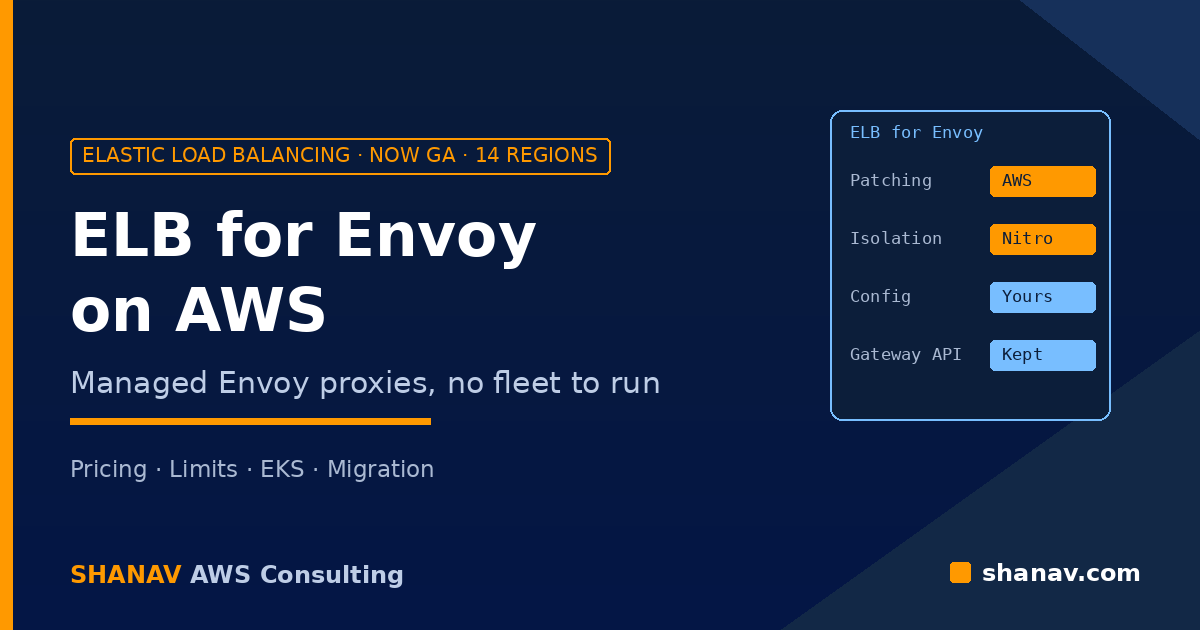
Envoy has become the default data plane for modern traffic management. It sits behind Envoy Gateway, Istio and many in-house platforms, and teams love it for its programmability. Running it at scale is another story: someone has to patch every CVE, roll out new versions, size the fleet and keep it healthy across Availability Zones. On 25 November 2026, AWS announced the general availability of ELB for Envoy, a new Elastic Load Balancing type that runs open-source Envoy proxies for you.
This guide explains what ELB for Envoy is, how it works, what it costs, which Envoy features it does not support, and how to decide whether it should replace your self-managed proxies or a standard Application Load Balancer.
What Is ELB for Envoy?
According to the ELB for Envoy documentation, you provide your Envoy configuration and the service provisions the proxy, scales it with traffic, patches the operating system and maintains high availability across Availability Zones. The proxy runs inside your VPC, so you keep control of your network, security groups and IAM permissions.
Key points from the AWS launch announcement:
- Isolation: each load balancer runs its proxies on dedicated Amazon EC2 instances with hardware isolation from the AWS Nitro System, so a zero-day in Envoy stays contained to your load balancer.
- Automatic patching: AWS monitors for CVEs and applies Envoy and operating system patches automatically.
- Bring your own config: existing Envoy configurations, extensions and control planes work as they are.
- AWS integrations: AWS Certificate Manager (ACM) for TLS, AWS WAF for inspection, VPC security groups and VPC encryption.
- Programmability: custom logic through WebAssembly, Lua scripting or external processing.
- Regions: 14 at launch, including US East (N. Virginia), Europe (Frankfurt), Asia Pacific (Mumbai), Singapore, Tokyo and Sydney.
The ELB for Envoy product page adds two operational details that matter to platform teams: AWS supports each Envoy version on the service for two years (compared with one year from the open-source project), and upgrades roll back automatically if traffic degradation is detected. Lifecycle notices arrive through the AWS Health Dashboard as a version approaches end of support.
How ELB for Envoy Works
The resource you create is called a proxy. It has a unique DNS name that points to IP addresses in your VPC. When you create one, you provide:
- An Envoy bootstrap YAML configuration file, plus an optional ZIP archive of supporting files.
- A proxy version (the Envoy version it runs).
- An IAM proxy role used to publish logs and call other AWS services.
- At least two subnets in different Availability Zones of the same VPC, and at least one security group.
- IPv4 and IPv6 addressing, each set independently to internet-facing, internal or off.
Your proxy can also receive configuration from your own control plane over xDS. You manage proxies in the Amazon EC2 console under Proxies, with the aws elb-proxy CLI commands, through the SDKs, or from Kubernetes. Metrics go to Amazon CloudWatch and Envoy logs to CloudWatch Logs. Configuration is encrypted with an AWS owned key by default, or with your own AWS KMS customer managed key.
The shared responsibility split
AWS measures load and scales the proxy, operates it with high availability, applies OS patches and qualifies new Envoy releases. You remain responsible for a correct Envoy configuration, the debugging and visibility tools you need, and performance tuning. In other words, ELB for Envoy removes the fleet work, not the configuration work.
Kubernetes and Envoy Gateway
For Amazon EKS, the Kubernetes integration guide describes a clean split. You keep defining routes with Gateway API resources such as Gateway and HTTPRoute, and Envoy Gateway stays in your cluster as the xDS control plane. Its remote infrastructure provider (open-sourced on GitHub) calls the ELB for Envoy API to create the proxy, and AWS runs the proxy fleet. Only the place where Envoy runs changes.
ELB for Envoy Pricing Explained
Like ALB, billing has two parts, according to the Elastic Load Balancing pricing page: an hourly charge for each hour or partial hour the load balancer runs, and Load Balancer Capacity Units (LCUs). AWS’s US East (Ohio) examples use $0.0275 per load balancer hour and $0.01 per LCU-hour. An LCU is measured every minute across four dimensions, and you pay only for the highest one:
- Processed bytes: 1 GB per hour
- Flows: 3,000 flows per minute
- Compute: 0.05 vCPU
- Memory: 0.1 GiB
Because you bring your own configuration, compute and memory are new billing dimensions compared with ALB. AWS notes that compute-intensive setups such as WebAssembly filters or external authorization can make compute the dominant dimension. In its examples, a light workload costs about $27.58 per month, a Wasm-heavy one about $63.00 per month, and an idle load balancer left running for a month costs $19.80. Check the pricing page for your Region, and remember that data transfer and public IPv4 charges apply separately.
Limits and Unsupported Envoy Features
“Bring your own config” has boundaries. The configuration limits page lists what to check before migrating:
- Wasm runtime: only the V8 runtime is supported. A config that names another runtime is rejected.
- Access logs: the file, stdout and stderr access loggers are not supported. Use OpenTelemetry, HTTP/TCP gRPC or Fluentd network loggers instead.
- Lua: scripts run with a restricted standard library.
io,debug,package,ffiandrequireare unavailable, and precompiled bytecode is rejected. - No dynamic modules, CLI flags or network namespace fields. Log levels are set with proxy attributes instead.
- Admin interface: not exposed by default, with restricted access if you enable it.
- Draining: fixed at 60 seconds. Space consecutive config updates at least that far apart, or older Envoy processes can be terminated early.
Schema validation alone doesn’t guarantee every extension is in the AWS build, so validate the exact config in a test proxy first.
When to Use ELB for Envoy (and When Not To)
AWS is direct about this: Application Load Balancer and Network Load Balancer remain the right choice for most standard load balancing needs. ELB for Envoy is for teams that need Envoy’s full feature set and programmable data plane as a managed service. Good fits include:
- Platform teams running large self-managed Envoy fleets for Kubernetes ingress.
- Custom authentication, request transformation or advanced routing that ALB rules can’t express.
- Envoy Gateway users who want proxies outside the cluster without rewriting Gateway API resources.
- Teams leaving proprietary proxies for open-source Envoy without taking on its operations.
If your routing is simple host and path rules with TLS termination, ALB is still cheaper and simpler.
A Practical Migration Checklist
- Audit your config against the unsupported features list: access loggers, Wasm runtime, Lua libraries and CLI flags.
- Run the getting started tutorial. AWS’s first-proxy walkthrough takes about 20 minutes and uses a minimal direct-response config.
- Load test with your real filters and watch per-minute LCU metrics in CloudWatch to see which dimension drives cost.
- Move TLS to ACM and attach your AWS WAF web ACL instead of custom integrations.
- Shift traffic gradually using weighted DNS, keeping the old fleet as a rollback path.
- Automate it with CloudFormation or the CLI so proxies are reproducible across environments.
Our cloud DevOps services team helps companies plan exactly this kind of ingress migration on EKS, and our AWS security services cover the WAF, TLS and network controls around it.
FAQ
Is ELB for Envoy the same as Application Load Balancer?
No. It is a separate load balancer type in the ELB family. ALB uses AWS-defined listener rules, while ELB for Envoy runs your own Envoy bootstrap configuration with Envoy’s full programmability.
Can I keep using my existing control plane?
Yes. Proxies can receive configuration over xDS from your own control plane, and Envoy Gateway works through the ELB for Envoy remote infrastructure provider.
Is ELB for Envoy available in India?
Yes. Asia Pacific (Mumbai) is one of the 14 Regions available at general availability.
Who patches Envoy CVEs?
AWS. The service monitors for CVEs and applies Envoy binary and OS patches automatically, with automatic rollback if traffic degrades during an update.
Conclusion
ELB for Envoy gives platform teams Envoy’s flexibility without the 2 a.m. CVE patching, version upgrades and capacity planning. The trade-offs are a few unsupported features and a pricing model where your filters affect cost. Test your real config, measure LCUs, then migrate gradually. If you’d like help deciding whether ELB for Envoy, ALB or your current setup is the right fit, talk to the Shanav team.