
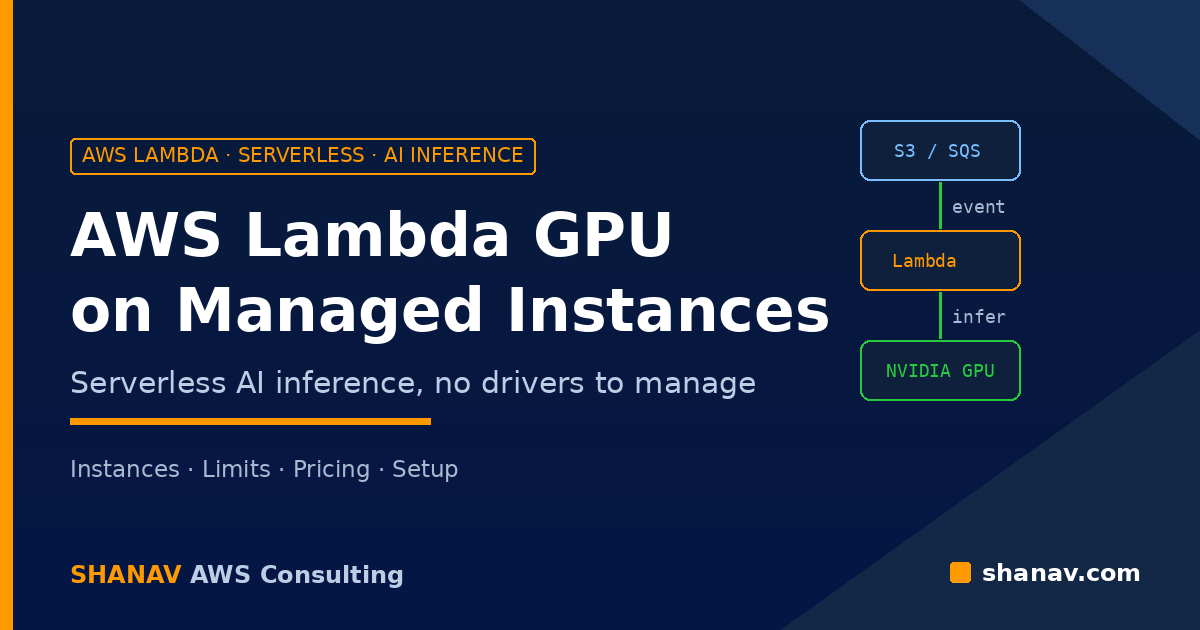
On 18 November 2026, AWS announced that AWS Lambda now supports GPU instances on Lambda Managed Instances. In plain terms, you can now run AI inference, video transcoding, rendering and scientific code on NVIDIA GPUs from a Lambda function, triggered by the same events you already use, without managing drivers, CUDA versions, AMIs or clusters.
For teams that have been running a small model on an always-on GPU instance, or stitching together EC2, queues and custom autoscaling just to add one GPU step to an application, this is a big change. This guide explains what Lambda GPU support includes, which instances and limits apply, how pricing works, and how to deploy your first GPU-accelerated function.
What Is Lambda GPU Support on Managed Instances?
Lambda Managed Instances lets Lambda run your functions on EC2 instances in your own account while Lambda handles provisioning, patching and scaling. The new launch extends this to EC2 G-series GPU instances. According to the Lambda Developer Guide, GPU-accelerated Event Functions can be invoked synchronously, asynchronously or through event source mappings from more than 200 AWS services.
Lambda manages the GPU instances, including operating system and GPU driver patching, health checks, request routing and scaling. Each execution environment handles several invocations at the same time, and capacity scales on GPU utilization, CPU utilization and concurrency. You can also enable scaling to zero to avoid paying for idle GPUs.
AWS positions the feature for inference, not training. The AWS News Blog launch post recommends it for custom models rather than large foundation models, which are better served by Amazon Bedrock. For model training or full ML lifecycle control, AWS points to Amazon SageMaker AI.
Good fits for Lambda GPU
- Custom model inference: computer vision, speech-to-text, text-to-speech, recommendations, document analysis and small-to-mid-size language models.
- Media processing: image and video transcoding triggered when a file lands in Amazon S3.
- Rendering and generative media: frames, scenes and diffusion workloads.
- Scientific and financial computing: simulations, matrix maths and Monte Carlo risk analysis.
Supported GPU Instances and Key Limits
At launch, the documentation lists seven G-series families (all sizes except g4dn.metal):
| Family | GPU | Memory per GPU |
|---|---|---|
| G4dn | NVIDIA T4 | 16 GB |
| G5 | NVIDIA A10G | 24 GB |
| G6 / Gr6 | NVIDIA L4 | 24 GB |
| G6e | NVIDIA L40S | 48 GB |
| G6f / Gr6f | NVIDIA L4 (fractional) | 3 to 12 GB |
Each execution environment gets exactly one GPU, or one GPU fraction on G6f and Gr6f. Other important limits from the docs:
- Container images only, up to 32 GB (10 GB per file).
- Ephemeral storage from 512 MB up to 32,768 MB.
- Memory from 2,048 MB to 32,768 MB.
- Accelerator memory of 3, 6, 12, 16, 24 or 48 GB, set with
AcceleratorMemorySize. - Concurrency of 4 requests per execution environment by default, up to 48.
- Timeouts of up to 90 minutes for asynchronous and event source mapping invocations, according to AWS.
One thing catches many teams out: the EC2 quota Running On-Demand G and VT instances defaults to 0 vCPUs. Request an increase in Service Quotas before you deploy, or your function version will not get capacity.
How Lambda GPU Pricing Works
According to the announcement, you pay the EC2 On-Demand price of the instance, plus a 9.75% Lambda management fee and the standard $0.20 per million requests. Savings Plans and Reserved Instances apply to the instance cost. You can also buy EC2 On-Demand Capacity Reservations, and Lambda uses them automatically when the instance type and Availability Zone match your capacity provider.
The cost benefit comes from utilization. A single small inference job rarely fills a GPU, so on a dedicated instance you pay for idle capacity. Because Lambda batches concurrent requests on each GPU and scales the fleet on GPU utilization, the GPUs you pay for stay busier. Compare that with your current GPU utilization before you migrate, and watch the new CloudWatch metrics for GPU utilization, GPU memory and power after you move.
How to Deploy Your First GPU-Accelerated Function
The docs describe four steps. The launch post walks through them with an open-source LLM served by vLLM.
1. Create a GPU capacity provider
A capacity provider defines the VPC subnets, security groups, operator IAM role, allowed instance types and scaling for your instances. For GPU functions, list only supported GPU types in AllowedInstanceTypes, for example g5.2xlarge, g6.2xlarge and g6e.2xlarge. Listing several generations lets Lambda use the newest one that fits and fall back to older ones when capacity is tight. Use MaxVCpuCount to cap spend. Remember that the capacity provider is the security boundary, so keep untrusted workloads on separate providers.
2. Build the container image
Lambda publishes GPU base images in Amazon ECR Public: base:cuda, cupy:cuda, pytorch:cuda, vllm:cuda and sglang:cuda. They are kept compatible with the GPU driver Lambda installs, so you do not match CUDA versions yourself. In the AWS demo, the entire Dockerfile was one line:
FROM public.ecr.aws/lambda/deep-learning-containers/vllm:cuda-v1With the vLLM image, you set the model in the MODEL_ID environment variable (a Hugging Face repo, an S3 location or a local path), and the image serves an OpenAI-compatible API with no handler code.
3. Create the function
Create the function from your ECR image, attach the capacity provider, and add an AcceleratorConfig with the GPU memory you need. Lambda treats AcceleratorMemorySize as a minimum and places the function on the smallest qualifying GPU, so you may get more than you requested.
4. Publish a version and invoke
Functions on Managed Instances run from published versions. Publishing launches the GPU instances, pulls the image and warms up the model before the version becomes active, so the cold start happens at publish time rather than on the first request. After that, connect it to Amazon SQS, Amazon S3, API Gateway or a Lambda durable functions workflow like any other function.
Practical Tips Before You Go to Production
- Store weights in S3. AWS recommends copying model weights to an S3 bucket in the same Region and streaming them with the Run:ai Model Streamer for faster starts.
- Use SOCI images. Base images with the
-socitag include a prebuilt index for lazy loading of large images. - Right-size accelerator memory. Fractional L4 GPUs (G6f) can be far cheaper for small models than a full GPU.
- Clean up test resources. Delete the function and then the capacity provider so Lambda stops the GPU instances.
Planning event-driven architectures like this is a core part of our serverless solutions work, and our cloud DevOps services cover the CI/CD pipelines that build and publish these container images.
FAQ
Can I train models with Lambda GPU?
AWS says the feature is optimized for inference, not training. For training, use Amazon SageMaker AI or EC2 directly.
Do I need to install NVIDIA drivers or CUDA?
No. Lambda manages the drivers, and its base images ship CUDA and frameworks that match them. You can still bring your own image if needed.
Why does my GPU function fail to get capacity?
The most common reason is the EC2 quota for On-Demand G and VT instances, which defaults to 0 vCPUs. Request an increase, and list several GPU instance types in your capacity provider.
Is Lambda GPU cheaper than a dedicated GPU instance?
It can be when utilization is low or bursty, because Lambda shares each GPU across concurrent requests and can scale to zero. You still pay EC2 pricing plus a 9.75% fee, so steady, fully loaded workloads may cost about the same or more.
Bring GPU Compute Into Your Serverless Stack
Lambda GPU support removes much of the undifferentiated work of running GPUs: drivers, scaling and event wiring. The decisions that still matter are instance choice, accelerator memory, quotas and cost controls. If you would like help assessing whether your inference or media workloads should move to GPU-accelerated Lambda functions, talk to the Shanav team.